Specific, ordered rules
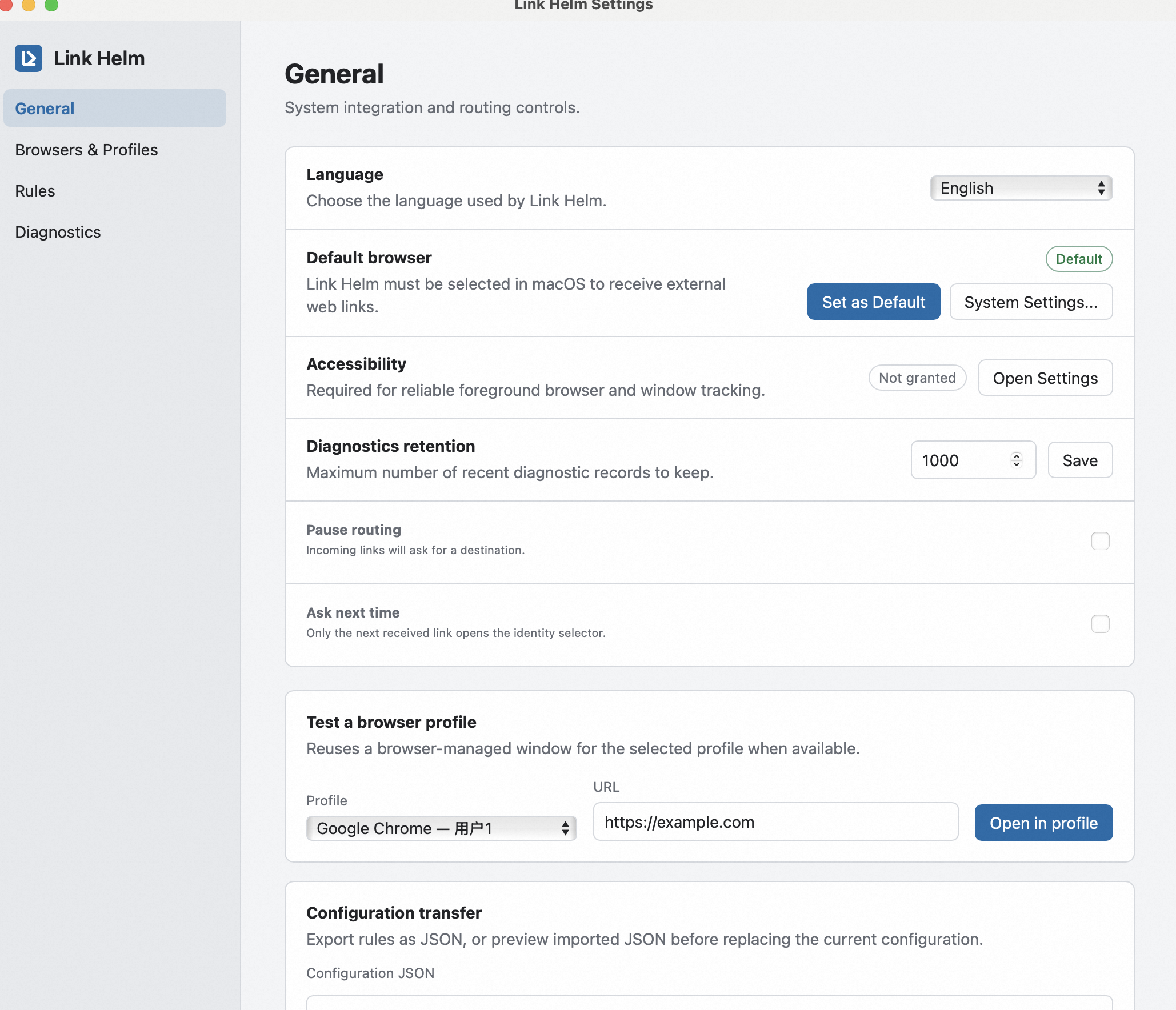
Preview matches before relying on them, then reorder and export your configuration.
Browser identity router
One link. The right browser profile.
Route external links by source application and domain, keeping work, personal, and client sessions in the browser identity where they belong.
Control without context switching
Set Link Helm as the default browser, define precise rules, preview routing decisions, and keep sensitive URL paths out of diagnostics.
Routing pipeline
Link Helm evaluates only the context needed to make a routing decision.
Mail, chat, calendar, or any app opening a web link.
Match by source application identifier and domain without retaining full URLs.
Choose a specified, active, global, or prompted destination.
Open the link in the browser-managed identity that fits the context.
Built for repeat use
Preview matches before relying on them, then reorder and export your configuration.
Diagnostics retain domains and stable identifiers, not paths, query values, or fragments.
Ask, reuse an active profile, open a target profile, or fail explicitly when a destination is unavailable.
Current support
Chrome, Edge, Brave, and Firefox routing has been validated across all three desktop platforms.
| Platform | Browser | Status |
|---|---|---|
| macOS 13+ | Chrome, Edge, Brave, Firefox | Validated |
| Windows 10/11 x64 | Chrome, Edge, Brave, Firefox | Validated |
| Linux (X11/XDG) | Chrome, Edge, Brave, Firefox | Validated |
Source build
Install Rust stable, Tauri CLI 2, and each platform's native build prerequisites. Build on the target operating system; Linux packages require Linux system libraries.
Build an unsigned app or DMG on macOS with Xcode Command Line Tools installed.
cd apps/desktop
cargo tauri build --bundles dmg --no-signOutput: target/release/bundle/dmg/
Build the NSIS installer on Windows 10/11 x64 with Visual Studio Build Tools installed.
cd apps/desktop
cargo tauri build --bundles nsisOutput: target\release\bundle\nsis\
Build the Debian package and AppImage on Linux after installing WebKitGTK, AppIndicator, and XDG dependencies.
cd apps/desktop
cargo tauri build --bundles deb,appimage --no-signOutput: target/release/bundle/{deb,appimage}/